FactoryOS, where people need it.
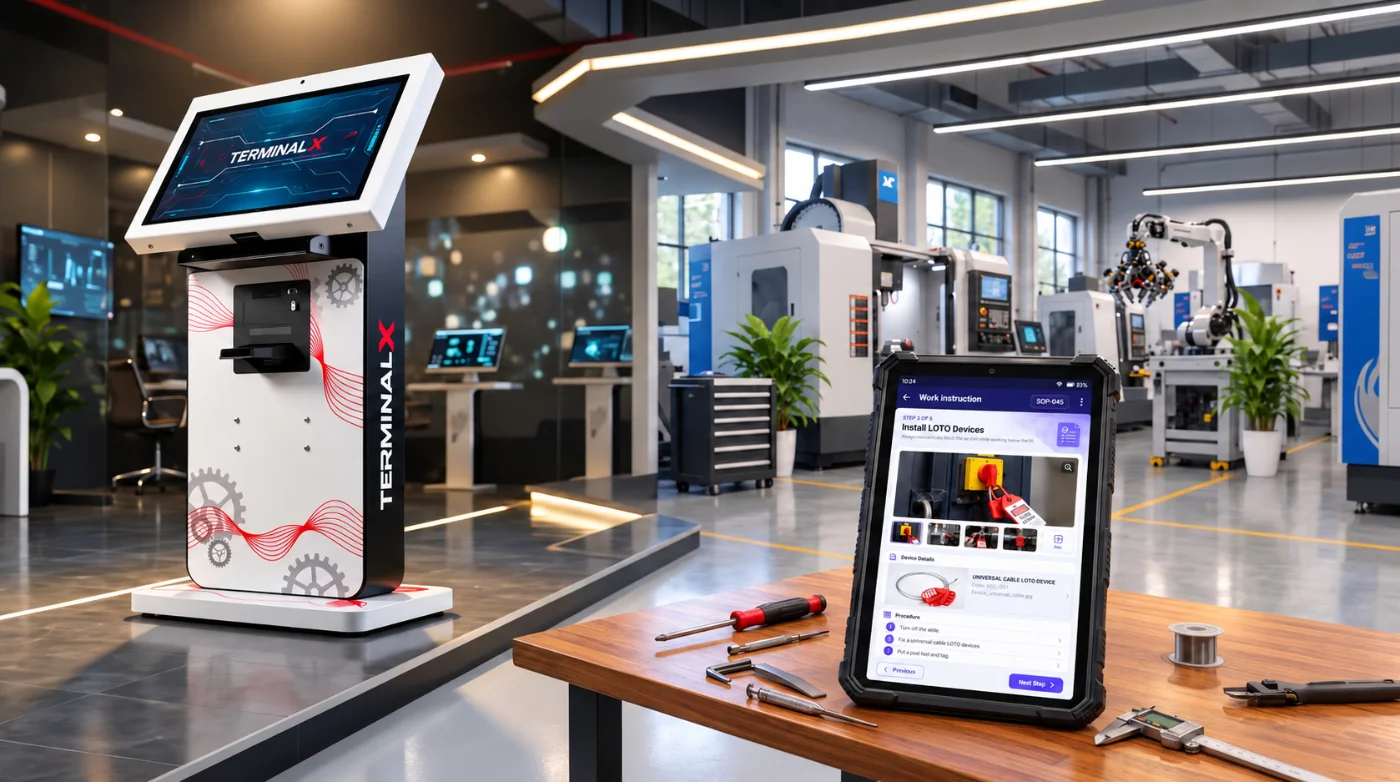
Information and learning shouldn’t depend on being at a desk or having a personal device. TerminalX brings FactoryOS into work areas, reception and security — giving people a dedicated point to access information, complete learning and interact with the platform.
Information exists. Access? Not so much..
The information people need may already exist digitally — but that doesn’t mean it is available where and when they need it.
Information is away from the point of need
When the right information is on an office computer, in a shared system or on someone else’s device, getting an answer interrupts the work.
Not everyone has the same access
Visitors, contractors, drivers and occasional users may need information or training without having a FactoryOS device or regular system access.
Some work areas restrict personal devices
Where phones are restricted or impractical, even well-connected digital systems can stop short of the last mile.
TerminalX creates a shared, always-available access point for FactoryOS.
Bring FactoryOS to the point of work.
The information comes closer to the work.
Place an Information Kiosk where people regularly need access to operational information.
Instead of walking back to an office, looking for a document, borrowing a device or waiting for someone to help, they have a dedicated point to interact with FactoryOS.
Whether they need to understand something before starting a task, refer to the latest instructions, check information about equipment, complete an activity or review something they have learned — FactoryOS is within reach.
And in areas where personal phones are restricted, the kiosk provides digital access without introducing personal devices onto the floor.
Less searching. Less dependency. Information available at the point of need.
Learning starts before they enter the workplace.
Arrive. Register. Learn. Be ready.
Reception and security areas deal with people who may not normally have access to your digital systems — visitors, contractors, drivers and sometimes employees.
A Learning Kiosk lets them self-register and immediately receive the learning relevant to them.
That may be a visitor induction before entering the plant, safety orientation for a driver, contractor induction, or skill-specific training required for particular work.
The process becomes consistent and self-service rather than depending on someone being available to register, brief and track every person.
-
how_to_reg
01
Self-register
Visitors, contractors, drivers and employees register themselves at the kiosk.
-
school
02
Learn
They receive the learning relevant to them — induction, orientation or skill-specific training.
-
quiz
03
Assess
They complete the assessment on the kiosk.
-
receipt_long
04
Acknowledge
The kiosk can print an acknowledgement token.

The acknowledgement token printed after completion.
Acknowledgement that travels with them.
After completion, the kiosk can print an acknowledgement token.
When connected, that token can provide access to the person’s complete registration and learning record — giving security, supervisors or other authorised users a simple way to verify the details behind it.
Learning doesn’t stop when the network does.
Reception cabins, security gates and remote areas don’t always have dependable connectivity. Learning shouldn’t stop because the connection does.
Once its courses and configuration are loaded, a Learning Kiosk can continue operating offline.
Connectivity becomes a synchronisation issue, not a reason to stop training.
Register and learn offline
User registration, course consumption and learning records can continue locally.
Keep the records safely on the kiosk
User and learning information remains on the device while it is offline.
Synchronise when connectivity returns
With automatic upload enabled, records can be uploaded when the kiosk reconnects — or an administrator can synchronise them manually.
Put FactoryOS within reach.
On the shop floor. At the security gate. In reception. At a remote work area.
TerminalX creates a dedicated point of access wherever people need information or learning — whether they have a personal device, aren’t regular system users, or work in an area where phones aren’t permitted.
Bring digital access closer to where it is needed.