Put asset information where the work happens.
Scan the QR on any asset and get everything you need — specifications, SOPs, manuals, checklists and history — right at the machine. No walking back to the office, no searching folders, no calls to ask what to check.
The information is in the office. The work is on the floor.
The last-mile worker needs information at the asset, not somewhere else. When manuals, SOPs and checklists live in different places, getting the right information becomes part of the job itself.
When the information isn’t at hand
Instructions aren’t where the work is
The worker has to leave the work area, find the document and figure out whether it is the latest version.
Inspections depend on the right checklist
If the right checklist is hard to find, the inspection depends on memory, paper or whoever happens to have the file.
Asset history gets disconnected
What was checked last time? What was found? Who did it? Without the history at hand, every inspection starts almost from scratch.
Put the information at the point of work.
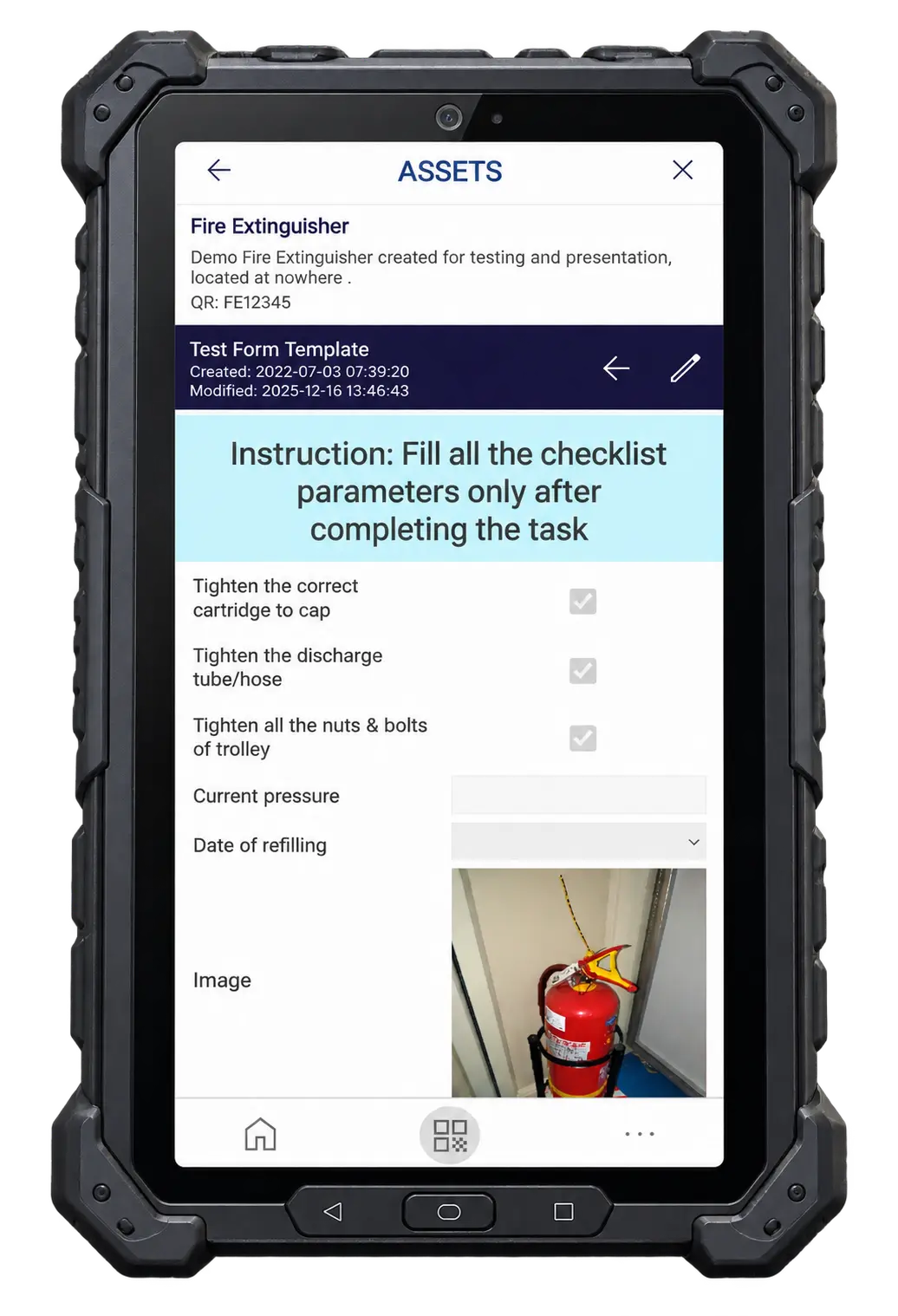
Scan the asset QR. Get the SOP, manual, checklist, audit history and asset information on the device in seconds. The worker stays at the asset — the information comes to them.
Asset information
Specifications, details and records.
SOPs & manuals
The right instructions, available at the point of work.
Audits & checklists
The right inspection, without hunting for the right form.
History
What was checked, when, by whom — and what was found.
Multiple schedules. One asset.
The same compressor can have quarterly maintenance, a half-yearly oil change and an annual electrical check — each with its own schedule and its own responsible person.
Make sure the work gets done.
Set up recurring audits once, assign them to the right people, and let automated reminders and escalations keep everything moving.
- event_repeat01
Schedule
Recurring audits for every asset, at the right frequency.
- assignment_ind02
Assign
Each schedule has its own responsible person.
- notifications_active03
Remind
Automatic reminders before work falls due.
- trending_up04
Escalate
Overdue work is raised to the next level — automatically.
- task_alt05
Complete
Results recorded and added to the asset’s history.
Always know where every audit stands. And once the work is done, the result becomes part of the asset’s permanent history.
Reports that answer your questions.
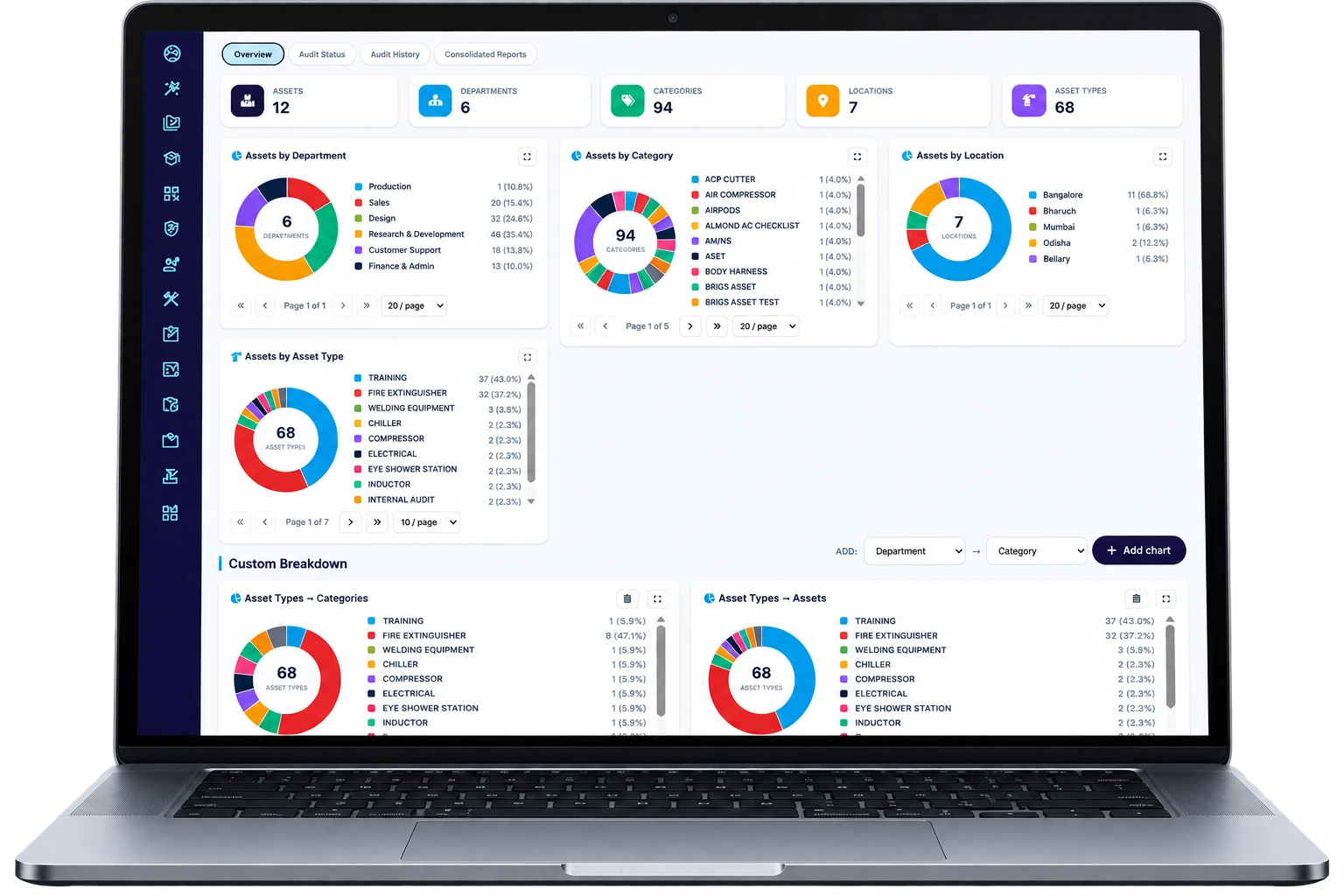
Don’t settle for a single maintenance report. Slice the data the way you need it — then consolidate it and export to Excel.
table_view
AI helps you build what each asset needs.
Maintenance programmes don’t have to start from a blank page. Tell AI what the asset is and what you want to maintain, inspect or teach.
Maintenance checklists
Audit and inspection checklists for your assets.
SOPs
Maintenance and operating procedures for specific equipment.
Learning courses
Turn an asset’s risks, operation or maintenance needs into training.
Review, refine and publish — and connect each one directly to the relevant assets. Your asset becomes the starting point for its information, work instructions, inspections and learning.
Fire safety, ready on day one.
Start with a ready-made fire-safety programme for extinguishers, hydrants, accessories and other fire equipment — no blank page.
Training
Courses your people can take straight away.
SOPs
Procedures for using and looking after fire equipment.
Maintenance checklists
Ready-made inspections for extinguishers, hydrants and accessories.
Already have your asset register?
Upload your assets in bulk from Excel — then assign the relevant schedules and start auditing.
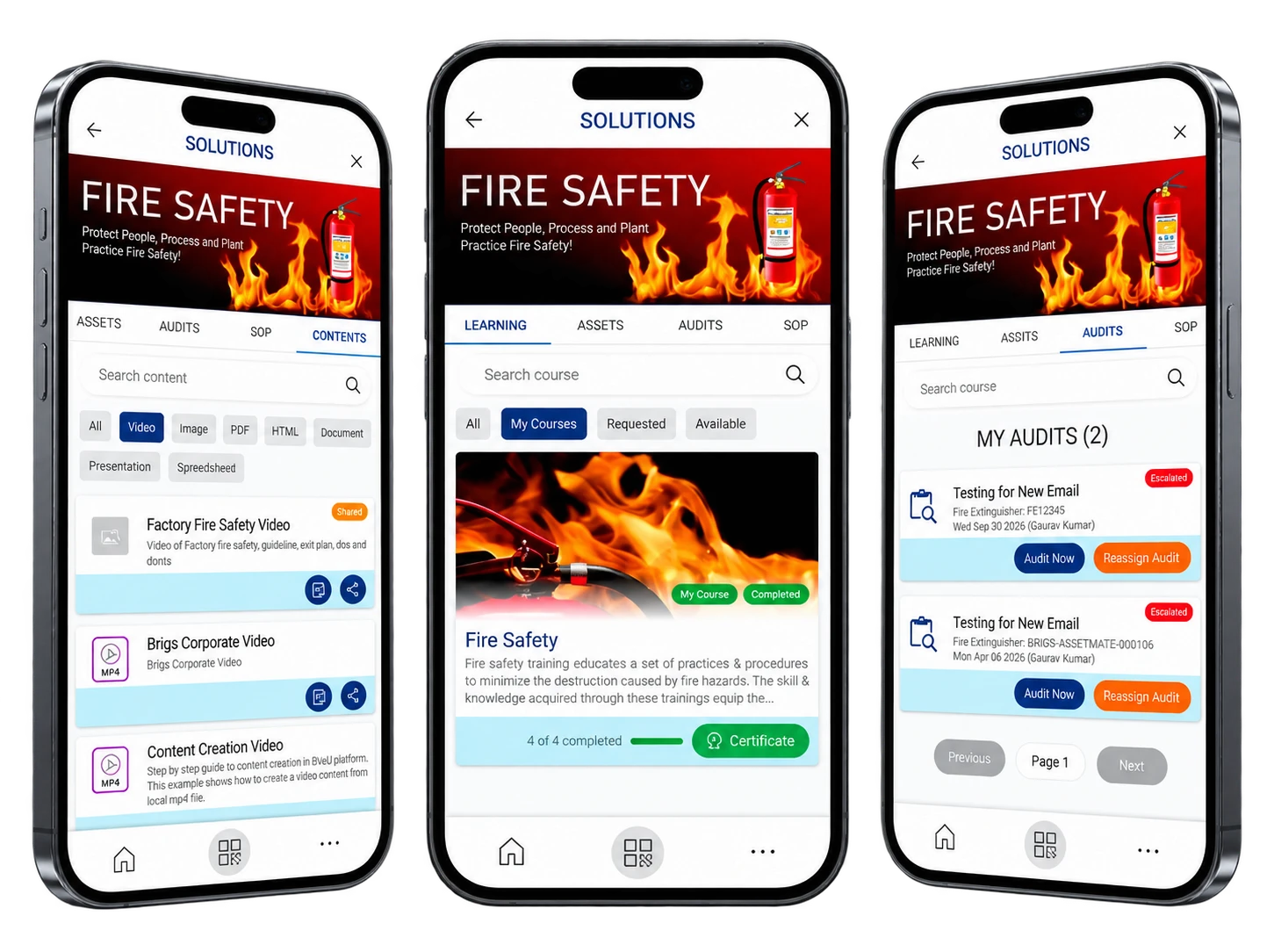
From asset register to recurring maintenance — assign the schedules and start auditing.
Keep the information with the asset. Keep the work on track.
FactoryOS brings asset information, SOPs, checklists, schedules, reminders, reports and AI together — so every check happens, and every result is on record.