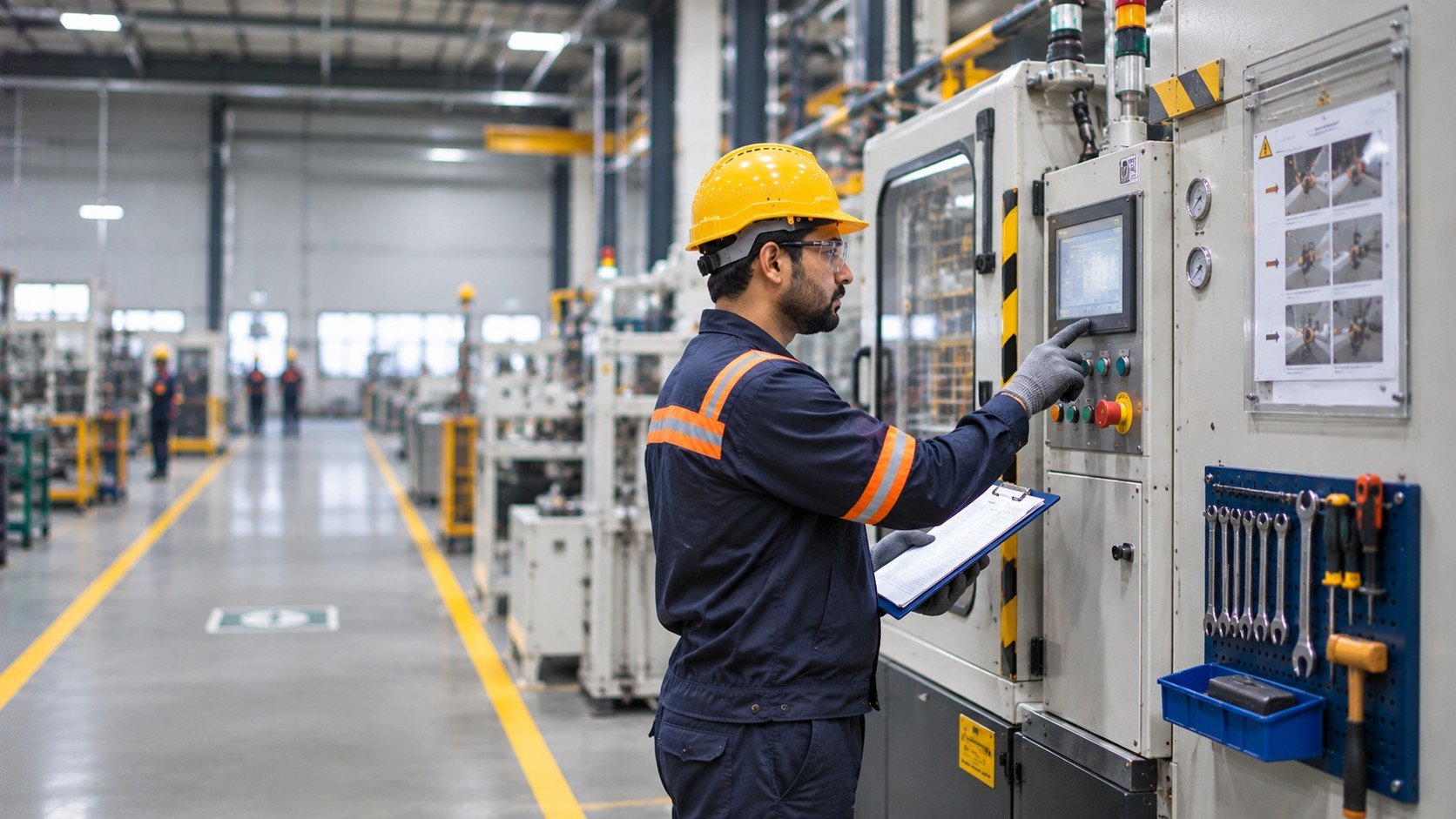
Designing the Point of Work
How the Physical Workplace Shapes Human Performance
Before a person performs a task, the factory has already started shaping how it will be performed.
The position of a control, visibility of an indicator, distance to a tool, route to a maintenance point and space to move all influence what people see, how they move and how easily they perform the task.
A machine may be technically correct. A procedure may be well written. A worker may be competent. Yet the physical workplace can still make the job harder than the system intended.
The point of work is not simply where a process happens. It is part of what determines how the process works.
1. The Workplace Is Part of the Process
Manufacturing processes are often described as sequences: load, operate, inspect, remove, clean and maintain. The physical environment determines how those steps are actually carried out.
Where the operator stands, what they can see, how far they move and how easily they access equipment all influence execution. These conditions are part of the process.
Factory UX describes how people interact with the workplace. It draws on human factors, ergonomics, safety engineering and work-system design to examine whether people can identify equipment, find information, recognise hazards and perform tasks safely.
Factory UX is not simply about making a factory look cleaner or more organised. It is about making the environment clearer and more usable for the work being performed.
2. Design for the Task, Not the Average Worker
A common mistake is to design for equipment first and fit the person into the remaining space.
A worker may bend to read an indicator, reach across equipment to operate a control or move away from a machine to see information. Repeated across a shift, these movements become part of the job.
Ergonomics considers how tasks, equipment, information and environments fit the people using them. The UK Health and Safety Executive explains that work should account for people's physical and psychological characteristics. Its human factors guidance describes how poor job, equipment or environment design can affect performance and safety.
The person is not an attachment to the machine. The person is part of the system being designed.
A workstation should be assessed around the actual task and the range of people who perform it—not an imagined average user.
3. The Actual Task Is the Real Test
Engineering drawings, layouts and process documents describe the factory. The task in motion reveals it.
Imagine an operator carrying out a routine inspection. The checklist and instruments are available, but the operator must step away to read a parameter, return to the machine and move again to reach the inspection point.
The process exists and the equipment works, but the environment has introduced unnecessary movement and divided attention.
Factory UX begins with observation. Watch for repeated stops, turns, reaches, searches, repositioning or requests for clarification. These behaviours reveal where the physical arrangement helps or hinders execution.
A practical way to begin is to follow two things:
Where do the worker's eyes go?
Where do the worker's hands go?
Compare that path with the intended process. Repeatedly looking away to confirm a parameter may reveal an information-location problem. Reaching around equipment to operate a control may expose an access problem. Moving between locations may reveal a poor relationship between task sequence and workplace arrangement.
This is observation, not a performance test. The aim is to understand what the task requires and whether the environment supports it.
4. When Layout Creates Hidden Work
Factories contain work that does not appear in the process description: walking to collect a tool, moving around a barrier, finding a label, looking behind a machine to read a plate, waiting for help to access a control point or repositioning a component before inspection.
This hidden work matters because manufacturing performance is shaped by everything people have to do to make the formal process possible.
The NIST Activity Model for Factory Design and Improvement describes dependencies between manufacturing activities and the information and software functions they rely on.
The physical workplace is one of those dependencies. A layout that separates related steps, hides needed information or makes access difficult can add effort that is absent from the documented sequence.
Not every movement is waste. Some movement is necessary for safe access, inspection or material flow. The task is to distinguish necessary work from avoidable effort introduced by the arrangement.
5. Physical Design Also Carries Information
A workplace communicates. Equipment location tells people where work happens. Labels identify what they are looking at. Markings and visual boundaries can distinguish normal areas from controlled or hazardous ones. Tool positions can signal sequence or ownership.
A clear visual system can reduce the information a person has to reconstruct mentally. But visual communication must connect to the task.
A label that cannot be seen from the working position is technically present but practically weak. A sign hidden behind equipment does not reach the person when needed. A floor marking that conflicts with the movement route can create uncertainty.
The test is not simply whether a sign, label or marking has been installed. It is whether the person who needs it can recognise and use it at the relevant moment.
6. Safety and Performance Can Meet in the Same Design
Safety and productivity are sometimes treated as separate design objectives. In practice, the same physical condition can influence both.
A poorly positioned control can make operation less comfortable and less clear. An awkward maintenance access point can increase physical effort while extending task duration. A confusing route can make material movement less efficient while also complicating emergency access.
This does not mean every efficiency issue is a safety issue or every ergonomic weakness creates immediate risk. It means the conditions should be examined together.
HSE's design guidance explains that plant and workstation design affect human performance and that users should be involved in creating operable, maintainable systems.
Workers and maintenance personnel often understand access, visibility and handling conditions that may not be obvious from drawings. Involving them early can reveal constraints before they become embedded in the workplace.
7. Factory UX and Factory OS: The Physical and Digital Workplace
Factory UX asks whether the physical environment supports comprehension and action during real work. Equipment identification, control visibility, machine-state awareness, access to information and maintainability all contribute.
A new employee should not have to learn the workplace entirely through another person's explanation. A technician should not discover access routes by trial and error. These are human-performance issues, not cosmetic ones.
Interventions may include markings, signage, equipment identification, visual instructions, access changes or a revised layout. They should follow task observation, not product selection.
Not every workplace problem is physical. A well-designed workstation cannot resolve an approval that exists in another system. A clear machine label cannot establish which instruction revision is current. A visible control cannot tell a technician whether a permit has been released.
This is where Factory OS complements Factory UX.
Factory UX shapes the human interaction layer.
Factory OS connects the information, workflows, permissions and operational controls behind that interaction.
The worker should not have to move between a machine, document repository, spreadsheet, supervisor and approval system to complete an ordinary task.
The physical and digital environments should support one another. A label can identify an asset; a connected record can provide its procedure, maintenance history or task status. The right combination depends on the gap.
8. Designing the Point of Work
A practical design approach begins before selecting a layout, platform or technology.
SEE the work as it actually happens. Observe the task from the position of the person performing it.
CONNECT the physical environment to the machine, process, information and people involved.
DIAGNOSE whether the difficulty comes from layout, ergonomics, visibility, access, process design, information or a combination.
DESIGN around the task rather than a generic workplace template.
IMPLEMENT practical changes—physical, visual, procedural, digital or combined.
IMPROVE by observing the work again and checking whether the change has helped without introducing a new difficulty.
A pharmaceutical area, fabrication shop, chemical process area and assembly line need different arrangements. The task and operating conditions should determine the intervention.
BRIGS Perspective: Design Where Decisions Are Made
At BRIGS, workplace improvement starts with the recognition that the physical factory is part of the operating system.
Factory UX addresses how people see, understand and act. Factory OS connects the information and workflows behind those actions. Machine and process safety address the engineering controls, while workplace improvement connects these layers to the physical environment.
The aim is not to make every workplace identical, but to make each one more understandable, usable and controllable.
A Practical Next Step With BRIGS
Choose one routine task performed by operators or maintenance teams.
Stand where it happens. Follow the eyes and hands. Observe what the person must see, reach, remember, move, access and decide. Compare the intended task with the actual task.
Where they differ, investigate why.
The solution may be a workstation change, visual communication, equipment-access improvement, process redesign, information positioned closer to the task, a Factory OS workflow or a combination.
A BRIGS site assessment can extend this review across people, machines, processes, information, interfaces and control.
The best workplace is not simply the one that fits the equipment. It is the one that helps the person perform the work the system expects.
Related reading
Information at the Point of Work
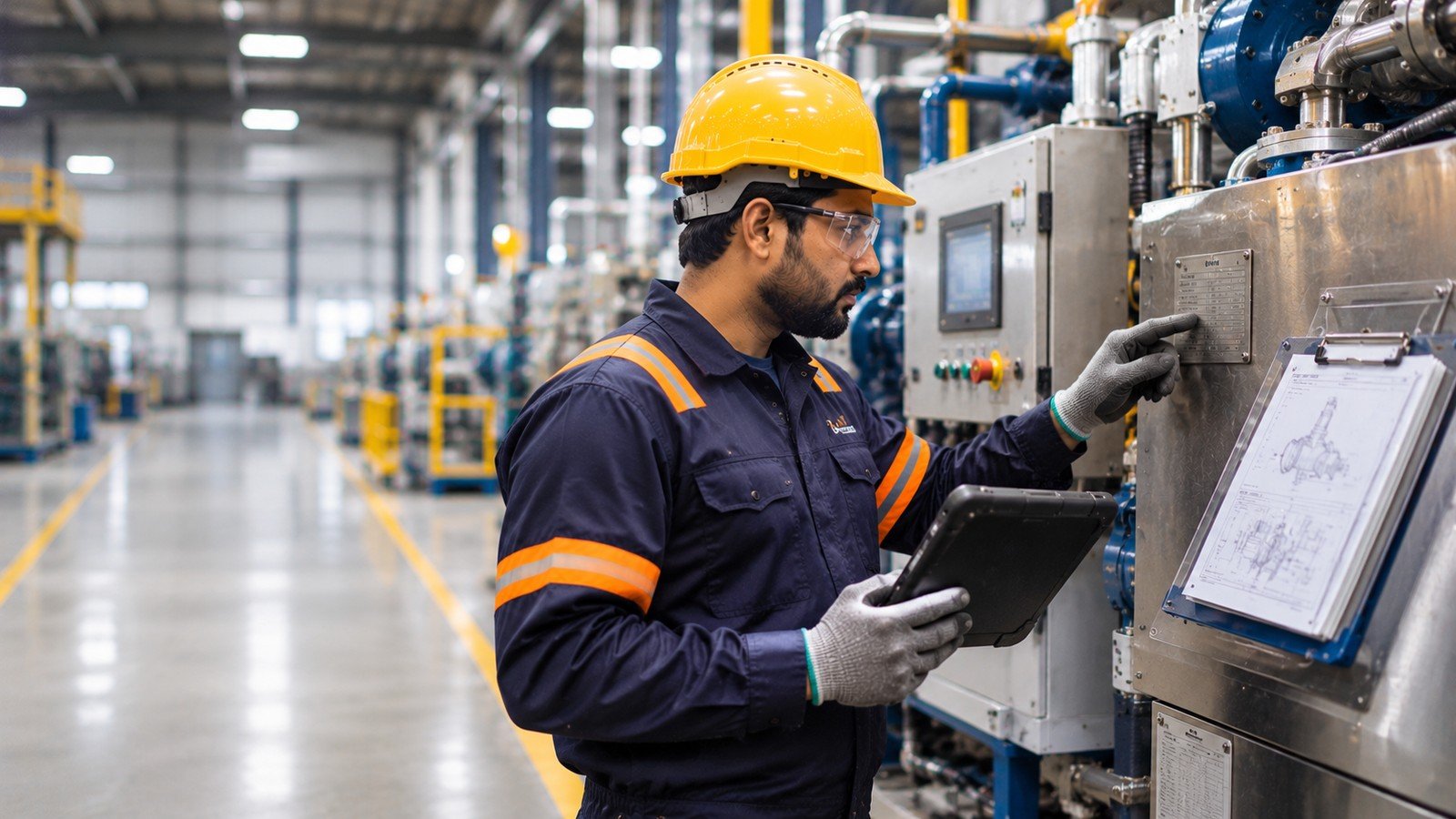
Factories have more information than ever, yet people still struggle to find what they need when making decisions. Explore how connecting information, context and action can improve manufacturing operations.

When Experience Becomes a Dependency
When routine work depends on a few experienced people, knowledge can become a bottleneck. Learn how to make the right information accessible where work happens.

The 90-Second Problem
Small delays can reveal larger factory-design problems. Learn how a 90-second observation can expose friction in information, equipment and workflows.
Have a similar challenge on your site?
Tell us what you are trying to improve and we will help you find the practical next step.