Factory OS
What Should an Operating System for a Factory Actually Do?
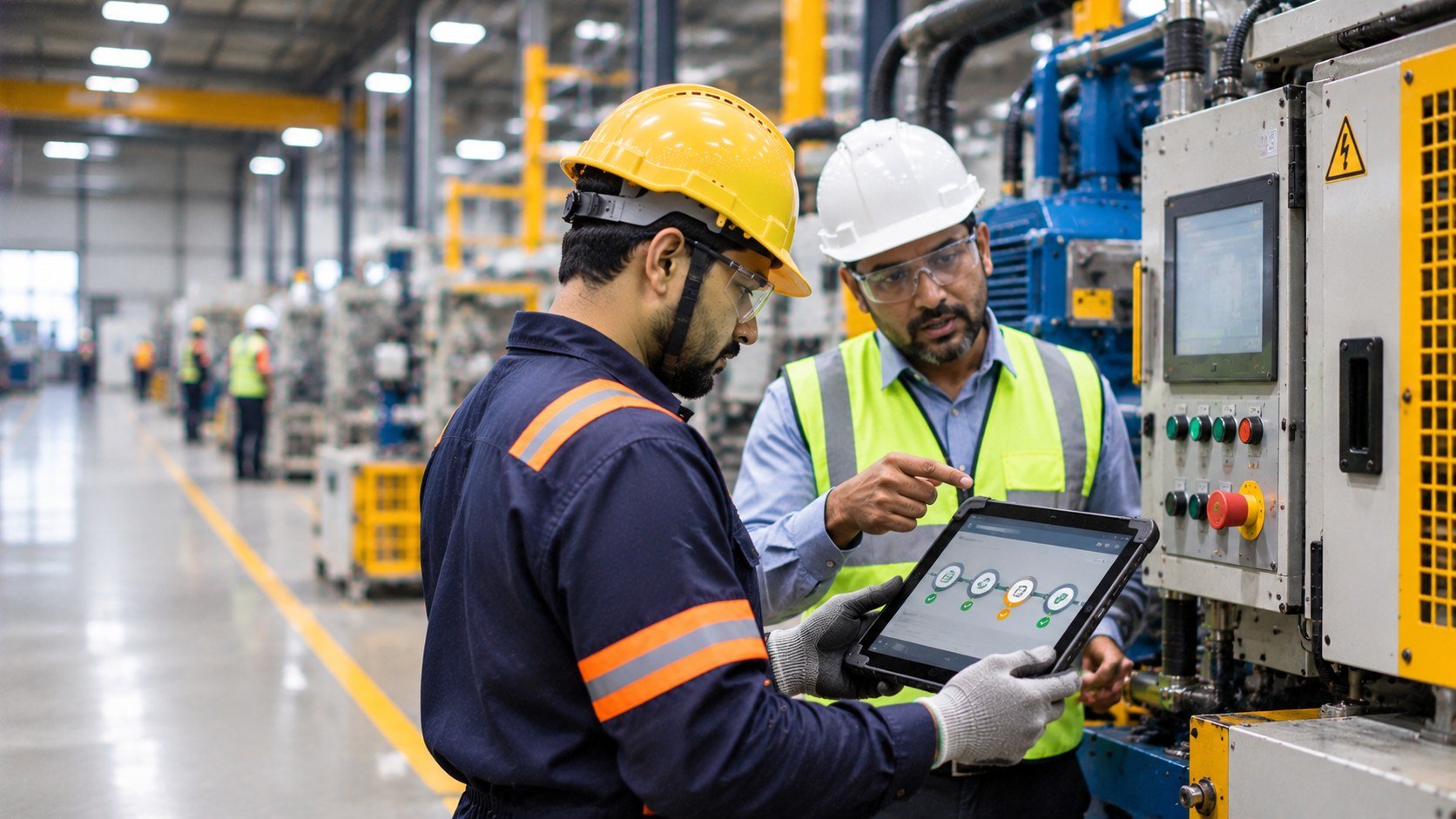
At 7:10 a.m., a maintenance technician stands beside a machine that production needs back in service. The work order is available, but the drawing is stored elsewhere, isolation status sits in another process, approval is pending and production's required return time is outside the technician's workflow.
The technician starts making calls and opening screens. No individual system is necessarily broken. The factory still has to assemble the operating picture around one task.
A plant may have ERP, MES, SCADA, maintenance, quality and safety systems, yet the technician must work across them to complete one job. The issue is the lack of continuity between work, information and controls.
Factory OS is the operating layer that connects those elements around the work: what needs to happen, who is responsible, what information is needed, which controls apply and what evidence is created when the work is complete.
It does not replace every system in the plant. It provides structure that helps existing systems, people and controls work together around real manufacturing activity.
1. The Factory Already Has an Operating Structure
Every factory has an operating structure, even when nobody calls it an operating system. It includes how work is requested, approved, scheduled, performed, recorded, escalated and reviewed. It also defines who can decide, what information is required, which controls apply and how the operation responds when conditions change.
Some of this structure is digital. Some is procedural, physical or held in working knowledge. It may be spread across software, documents, forms, spreadsheets and employees’ experience.
The question is not whether each element exists. It is whether the factory can move work across them without repeatedly reconstructing the operating picture. A work order may be visible, but the technician may still need to find a drawing, confirm access, check an approval and contact Production. The record exists; the task is not yet coordinated. When this structure works, routine work can move forward without repeated calls, searches or uncertainty about the next responsible person.
2. Six Practical Responsibilities of Factory OS
A connected operating environment has six responsibilities. These are not merely software features; they describe what the system around work needs to make possible.
Establish context. Keep information connected to the correct asset, process, task, location and condition. An instruction for one configuration should not be confused with another.
Structure workflow. Make responsibility, approval, sequence and escalation clear. People need to know what happens next and who owns it.
Carry information. Let relevant records, instructions, status and history move with the task instead of making people reconstruct relationships from separate sources.
Respect control. Keep permissions, operating constraints, safety requirements and decision authority within the workflow. A digital step should not authorise an action that the actual controls do not permit.
Create evidence. Show what happened, who acted, what was checked and what was verified before the task was closed.
Support improvement. Make recurring deviations, delays, unresolved issues and repeated workarounds visible enough to investigate and learn from.
Together, these responsibilities help the factory coordinate work rather than merely store records about it.
3. The Factory Does Not Need One Giant System
Modern manufacturing environments are distributed. Production, maintenance, quality, engineering and safety systems exist for different requirements and users. The aim is not to move everything into one application. It is to create useful relationships among the systems that support the same work. NIST research on integrated operations management describes how separate production, quality, maintenance and inventory systems can make cross-functional decisions harder to coordinate, and examines the potential of integrating their information to support decisions closer to the factory floor. NIST: Integrated Operations Management for Distributed Manufacturing.
A maintenance platform may remain the system of record for work orders, Engineering the approved source for drawings and a permit system the authority for work approval. Factory OS should bring the relevant information, responsibilities and controls together around the task.
Data may transfer successfully while the technician still has to work out which record applies, whether approval is current or what happens next.
The factory does not need every capability in one system. It needs continuity across the systems that shape the work.
4. The Real Test Is the Work
Consider a maintenance shutdown. Production stops, the machine is identified, isolation is performed and maintenance begins. An unexpected condition changes the repair; the job is completed and the machine returns to service.
Several systems may touch the sequence, but the technician experiences one job. Asset identity, isolation information, maintenance history, approvals and final verification must stay connected. If the work changes, affected people need to know whether controls and approvals still apply.
The practical test is: does the operating environment support the task as it unfolds? Observe the work and map its relationships before assuming a dashboard or integration will solve the gap.
5. Common Context and the Journey of Work
One less visible problem in manufacturing systems is identity. A machine may be “Press-04” in one system, “PR04” in another and known by a local nickname to Maintenance. The records may describe the same asset, but the relationship is not obvious to the person doing the work.
The operating environment needs reliable links among assets, processes, work orders, documents, roles, locations and events. Departments need not use identical software or terminology; people must be able to identify what a record refers to and how it relates to the task.
A record answers what happened. The operating environment must also support what happens next: a request moves to diagnosis, an inspection to a response, a deviation to its owner, and a completed task to verification and closure. These stages form one operational journey. When disconnected, teams create local trackers, repeat entry or call to discover status.
6. Control Must Stay Connected to the Work
Operational flow cannot be separated from control. A system that routes an approval but ignores who has authority to approve it is incomplete. A workflow that records maintenance but does not connect the relevant safety control is incomplete.
A digital process that shows a machine as available while a physical restriction remains active can create confusion between system state and real state. A digital record is not proof that a physical condition has changed unless required verification has taken place.
Permissions, approvals, isolation status, operating limits and verification requirements need to reflect the actual work and site procedures. The digital workflow should support these controls, not replace engineering judgement or required physical checks.
Digital workflows, physical conditions and safety controls have to be considered together.
7. Integration Is Not the Same as Coordination
Integration asks whether systems can exchange information. Coordination asks whether that exchange helps the factory operate the work correctly. Production may know output, Maintenance equipment history and EHS permit status. What matters is whether a person can use the three together for one task.
A connected structure can still be difficult to use. A technician may receive several notifications, an operator may not understand a status and a supervisor may not know who owns the next step.
Factory UX is the human interaction layer: what people see, understand and act upon in the workplace. Factory OS coordinates the work; Factory UX helps people understand that coordination at the moment of use. Screens, instructions and alerts should make the next action clear without hiding context or overwhelming users.
8. The BRIGS Way to Design It
The starting point is not software selection.
SEE how work moves across people, machines, processes and systems.
CONNECT the relationships among assets, information, responsibilities, controls and workflows.
DIAGNOSE where the factory loses continuity, context or control.
DESIGN the operating structure before configuring technology.
IMPLEMENT the necessary physical, procedural, visual and digital components.
IMPROVE by reviewing how the complete system performs after the change.
The intervention may involve an existing platform, a new workflow, clearer procedures, visual information, physical changes or a combination. The work should determine what is needed.
BRIGS Perspective: Design the Operating Environment
At BRIGS, Factory OS is not treated as a software project sitting above the factory. It is part of a connected operating approach built around People, Machines and Processes.
Factory UX makes the operating environment understandable to the people using it. Factory OS brings information, workflows, permissions and operational controls into the relationships that matter to the work. Machine safety and process safety keep those relationships connected to the engineering and safety conditions of the plant. Workplace improvement keeps the approach grounded in the physical environment where work is performed.
The objective is an operating structure designed around how the factory actually works.
A Practical Next Step With BRIGS
Do not start by asking which system to buy. Choose one process that should be easier, clearer or more controlled. A maintenance process is useful because it involves several teams, records and controls.
Follow it from trigger to completion. Look for missing asset context, unclear ownership, information that must be reconstructed, approvals or safety controls outside the workflow, and evidence that does not support learning.
Then decide whether the gap needs a physical, procedural, visual, digital or combined intervention. A BRIGS site assessment can examine people, machines, processes, information, interfaces and control. Start with the work, diagnose where continuity is lost and design the operating structure around it—not around the technology.
That is the BRIGS approach to Factory OS.
Related reading

Digitalising the Wrong Process
Why digitising an unclear process rarely fixes the problem. Learn how to examine the work, remove unnecessary steps and decide where technology adds value.
The Problem With More Data
More data does not always mean better decisions. Discover how manufacturers can connect factory signals with context and workflows to make information useful

Information at the Point of Work
Factories have more information than ever, yet people still struggle to find what they need when making decisions. Explore how connecting information, context and action can improve manufacturing operations.
Have a similar challenge on your site?
Tell us what you are trying to improve and we will help you find the practical next step.